
No-Prompt AI tools don’t require you to type commands or instructions. Instead, they understand context, monitor workflows, and perform tasks automatically.
Many modern AI platforms are moving toward this “invisible AI” model, where the technology works quietly in the background while users focus on their work.
What Are No-Prompt AI Tools?
No-prompt AI tools are systems that automatically assist users without requiring manual prompts.
Instead of typing something like:
“Summarize this email”
“Write a paragraph about AI”
“Organize my tasks”
The AI already understands what you are doing and offers help automatically. These tools rely on context awareness, behavioral learning, and AI agents to make decisions without constant user input.
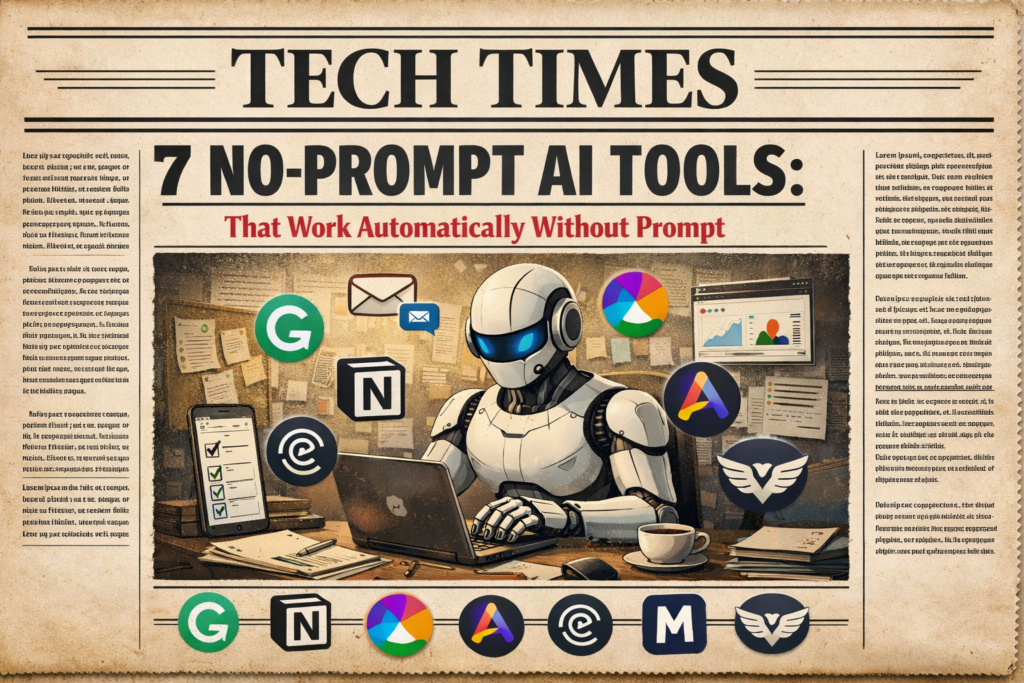
7 Popular No-Prompt AI Tools Already Changing Workflows
Many well-known AI platforms are already implementing no-prompt features. Below are some tools leading this trend.
1. Notion AI
Notion AI is one of the most popular productivity tools using contextual AI assistance.
Instead of asking for help, the AI can automatically:
- summarize long notes
- generate meeting summaries
- organize project pages
- suggest content while you write
It understands your workspace and assists while you work, without needing detailed prompts.
2. Grammarly
Grammarly has evolved from a simple grammar checker into an AI writing assistant.
It automatically:
- corrects grammar mistakes
- improves tone and clarity
- suggests sentence rewrites
- detects writing style issues
All of this happens in real time while typing, making it a classic example of a no-prompt AI system.
3. Microsoft Copilot
Microsoft Copilot is integrated directly into Microsoft tools like Word, Excel, and Outlook.
It can automatically:
- summarize emails
- generate reports
- analyze spreadsheets
- draft presentations
Because it understands the context of documents and data, it often provides assistance before you even ask for it.
4. Arc Browser
Arc Browser is an innovative web browser introducing AI features that simplify browsing.
Its AI tools can:
- summarize webpages
- organize tabs automatically
- highlight key information
- assist with research
The browser learns user habits and provides help without requiring prompts.
5. Rewind AI
Rewind AI is one of the most advanced examples of contextual AI. It records your digital activity and helps you find information instantly.
The tool can automatically:
- recall past meetings
- locate previously seen content
- summarize conversations
- answer questions about past work
It acts like a search engine for your own digital life.
6. Motion
Motion is an AI productivity tool designed for automatic scheduling. Instead of manually organizing tasks, the AI automatically:
- prioritizes tasks
- schedules work blocks
- rearranges meetings
- adjusts deadlines
It constantly adapts your schedule based on changing workloads.
7. Superhuman
Superhuman is an AI-powered email client designed for productivity.
The AI can automatically:
- prioritize emails
- generate quick replies
- schedule follow-ups
- highlight important messages
This allows professionals to process emails much faster without writing prompts.
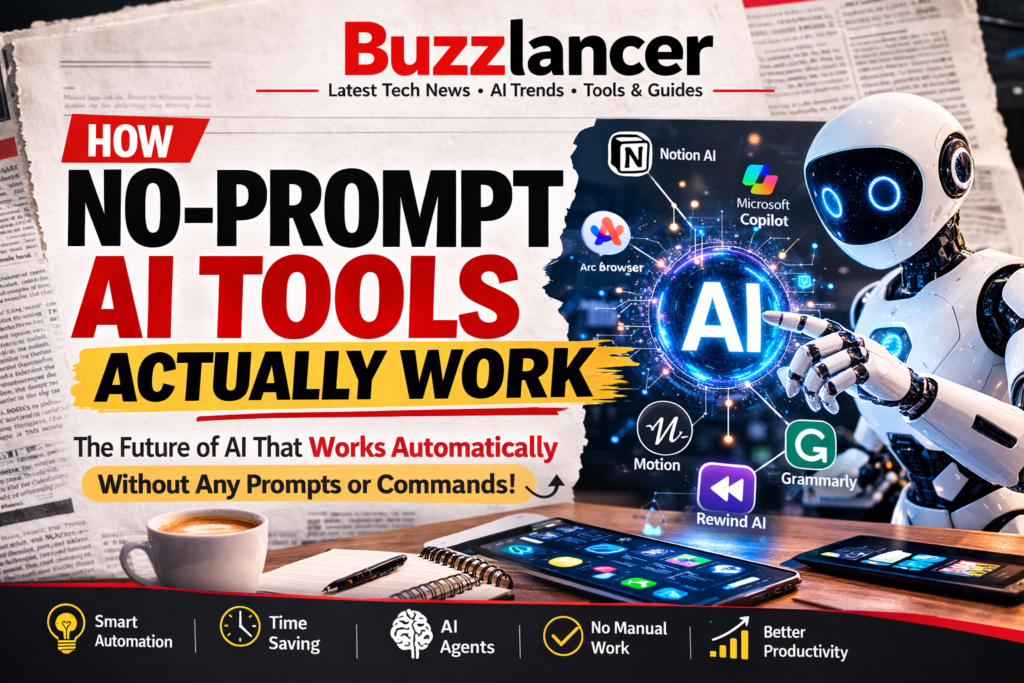
How No-Prompt AI Tools Actually Work
These tools rely on several advanced technologies.
1. Contextual AI
Contextual AI analyzes user activity and environment.
It studies things like:
- documents you open
- websites you visit
- tasks you complete
- communication patterns
This helps AI understand what you need.
2. Behavioral Learning
No-prompt AI systems continuously learn from user behavior.
They observe patterns such as:
- writing style
- work habits
- frequently used tools
- project timelines
Over time, the AI becomes more personalized and accurate.
3. Autonomous AI Agents
Some tools are powered by autonomous AI agents.
These agents can independently:
- search the internet
- analyze data
- generate content
- perform multi-step tasks
This is one reason experts believe AI agents may replace many traditional apps.
Benefits of No-Prompt AI Tools
The rise of no-prompt AI offers several major advantages.
- Simpler Technology: Users no longer need to learn prompt engineering.
- Faster Productivity: Tasks happen automatically without waiting for instructions.
- Better User Experience: Technology becomes more intuitive and human-friendly.
- Reduced Repetitive Work: AI can automate routine tasks and free up time for creative work.
The Future of No-Prompt AI Tools
Experts believe this technology will reshape the digital world.
Future innovations may include:
- AI operating systems that run entire devices
- AI browsers that search the internet automatically
- autonomous business workflows
- AI assistants managing daily tasks
Instead of interacting with multiple apps, users may rely on one intelligent AI layer that manages everything.
Final Thoughts
The rise of no-prompt AI tools represents the next major evolution in artificial intelligence.
Platforms like Notion AI, Microsoft Copilot, Grammarly, and Arc Browser are already demonstrating how AI can assist users automatically without prompts.
As this technology improves, AI will become less visible but more powerful — quietly helping users complete tasks, organize information, and make smarter decisions.
In the near future, we may no longer need to ask AI for help. The AI will simply know what we need and act automatically.