
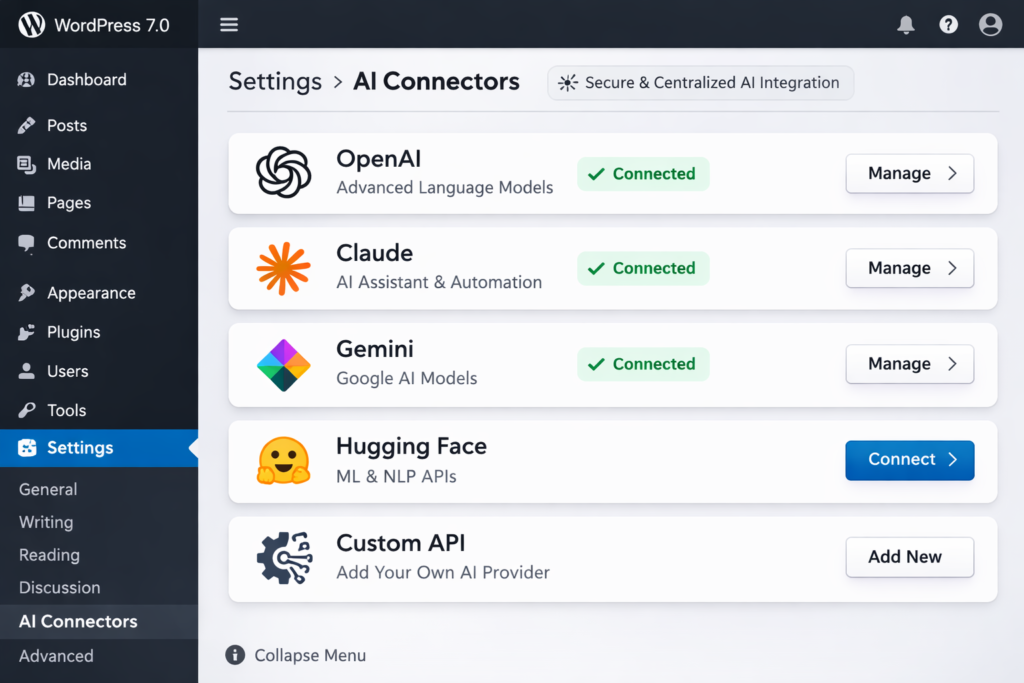

With the upcoming WordPress 7.0 update, the platform is taking a major step toward smarter websites by introducing AI Connectors. Currently in Beta 2 (March 2026), this new feature is designed to bring native and centralized AI integration directly into the core CMS.
Instead of generating content itself, AI Connectors work as a secure credential manager, allowing website owners to safely connect and manage multiple AI services from one place.
What is WordPress AI Connectors?
WordPress AI Connectors are a new feature introduced in WordPress 7.0 that allows websites to connect directly with AI services like OpenAI, Claude, and Gemini through a centralized settings panel.
WordPress AI Connectors act as a central place to store AI API keys and credentials. Instead of entering the same AI API key in multiple plugins, you configure it once inside WordPress, and all compatible plugins can use that connection.
What They Actually Do
- Provide a single settings page to connect AI services
- Store API keys securely in the WordPress database
- Allow multiple plugins to access the same AI connection
- Enable WordPress sites to send requests to AI tools for tasks like writing, analysis, or automation
Important Thing to Know
AI Connectors do not generate content themselves. They simply create the connection infrastructure. To generate AI text, images, or automation, you still need AI-powered plugins that use these connectors.
How to Connect AI Services Using WordPress AI Connectors
Here is a simple step-by-step guide to connect AI services using WordPress AI Connectors in the upcoming WordPress 7.0.
1. Update to WordPress 7.0
First, make sure your website is running WordPress 7.0 or later.
Steps:
- Go to WordPress Dashboard
- Click Dashboard → Updates
- Update to WordPress 7.0
(AI Connectors are available in WordPress 7.0 and later versions.)
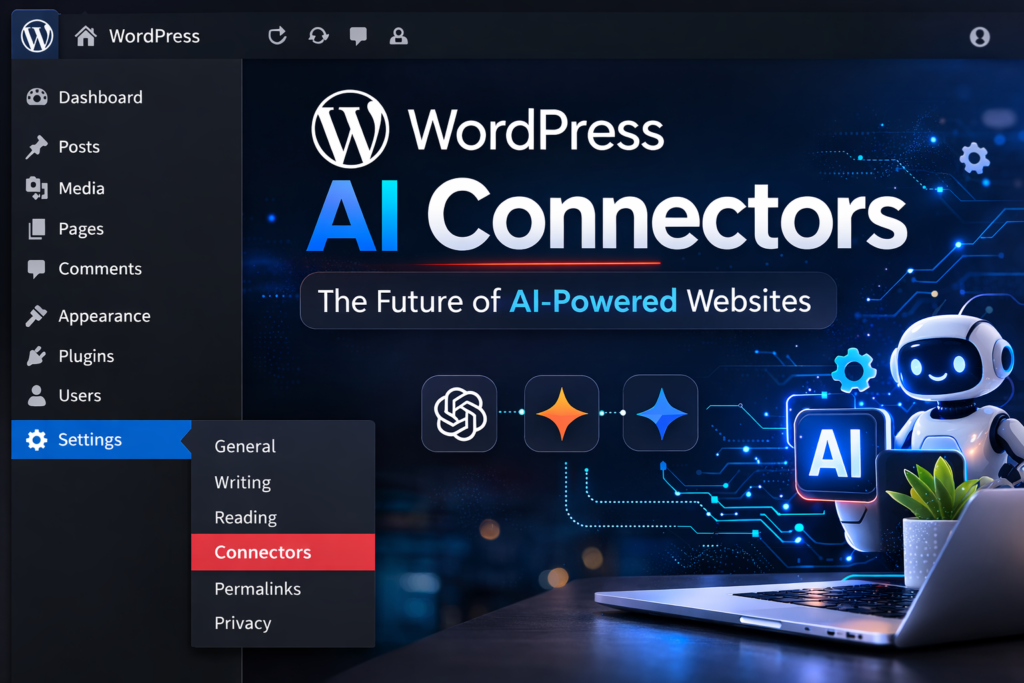
2. Open the AI Connectors Settings
After updating:
- Go to WordPress Dashboard
- Click Settings
- Select AI Connectors
This page acts as the central hub for all AI integrations.
3. Choose an AI Service
Now select the AI service you want to connect. Common options include:
- OpenAI
- Anthropic (creator of Claude)
- Google (for Gemini)
Click Add Connector and choose the provider.
4. Add Your API Key
Each AI provider gives you an API key.
Steps:
- Copy your API key from the AI provider dashboard
- Paste it into the API Key field inside WordPress AI Connectors
- Click Save Connection
WordPress will now store the key securely.
5. Enable AI Plugins
AI Connectors only manage the connection.
To actually use AI features, install a plugin that supports AI.
Example uses:
- AI content generation
- SEO optimization
- chatbot assistants
- automated summaries
Once installed, the plugin will automatically detect the AI connector.
6. Test the AI Connection
After setup:
- Go to the AI plugin settings
- Select the connected AI provider
- Run a test request
If the API responds, your WordPress AI connection is active.
What We Can Expect from WordPress AI Connectors
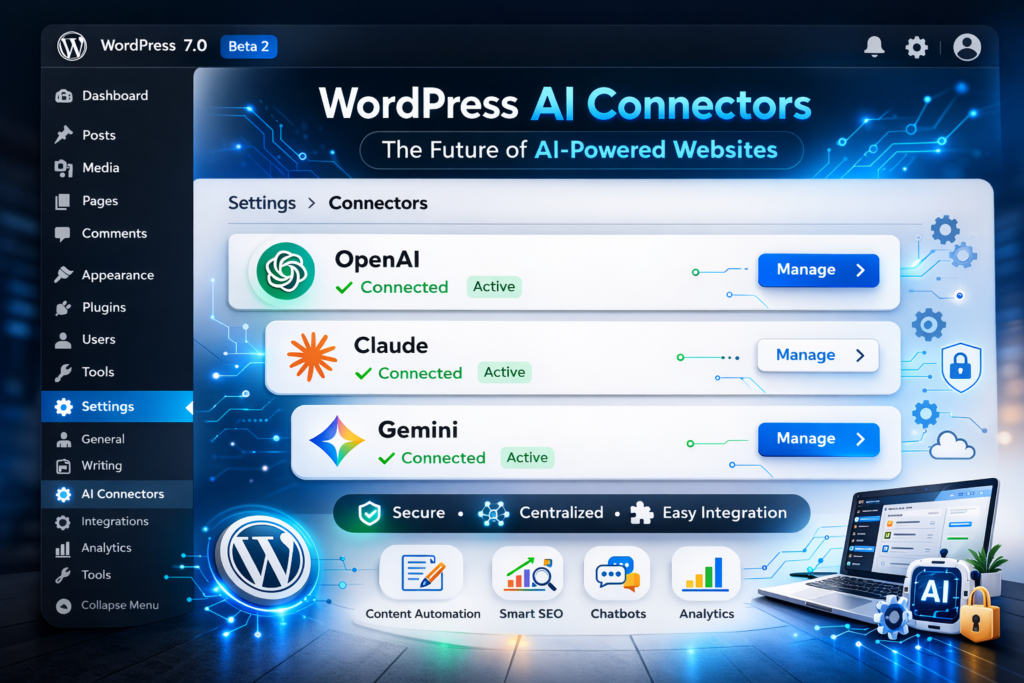
With the introduction of AI Connectors in WordPress, several powerful features and improvements are expected to become part of everyday website management.
1. AI-Assisted Content Editing
Website owners and content creators will be able to use AI-assisted editing directly inside the WordPress block editor, making it easier to refine articles, improve readability, and generate content suggestions while writing.
2. Smart Layout Suggestions
AI tools integrated with page builders may provide smart layout and design suggestions, helping users create better-looking pages automatically based on content structure and user behavior.
3. Automated WooCommerce Product Content
For e-commerce websites, AI can help automatically generate product titles, descriptions, and summaries for WooCommerce stores, saving time and improving product page quality.
4. AI-Driven SEO Analysis
AI-powered SEO tools will be able to analyze content, suggest keyword improvements, generate meta tags, and optimize posts to improve search engine rankings.
Better Personalization Features
AI can analyze visitor behavior and provide personalized content recommendations, helping websites deliver more relevant experiences and increase user engagement.
Benefits of WordPress AI Connectors
WordPress AI Connectors bring several advantages for website owners, developers, and marketers by making AI integration easier and more organized.
1. Centralized AI Management
AI Connectors allow users to manage multiple AI services from one place. Instead of adding API keys to different plugins, you can store and manage them in a single WordPress dashboard.
2. Better Security for API Keys
With AI Connectors, sensitive AI credentials are stored in a secure and standardized way, reducing the risk of exposing API keys across multiple plugins.
3. Easy Integration with AI Tools
Website owners can quickly connect their site to AI platforms for content generation, automation, chatbots, and analytics without complex setup.
4. Faster Website Automation
AI-powered automation becomes easier. Tasks like content suggestions, customer support responses, data analysis, and SEO optimization can be handled faster.
5. Improved Plugin Compatibility
Developers can build plugins that use the same AI connection system, which improves compatibility and reduces duplicate integrations.
6. Future-Ready WordPress Websites
As AI becomes a major part of web development, AI Connectors help WordPress sites stay ready for future AI-powered features and integrations.
7. Saves Time for Website Owners
By simplifying AI connections and automation, website owners can focus more on growing their site and creating content instead of managing technical integrations.
FAQs About WordPress AI Connectors
1. What are WordPress AI Connectors?
WordPress AI Connectors are a new feature in WordPress 7.0 that allows websites to connect with external AI services through a centralized system. They store and manage AI API credentials so plugins can access them securely.
2. Do WordPress AI Connectors generate AI content automatically?
No. AI Connectors do not create content by themselves. They simply provide the connection infrastructure that allows plugins to communicate with AI platforms.
3. Which AI tools can be connected with WordPress AI Connectors?
AI Connectors are designed to work with various AI services such as OpenAI, Gemini, Claude, and other AI APIs, depending on plugin support.
4. Do I need coding knowledge to use AI Connectors?
No coding is required for basic use. Website owners can add AI credentials through the WordPress dashboard, while developers can use the connectors to build advanced AI-powered features.
5. Are WordPress AI Connectors secure?
Yes. They work as a centralized credential manager, which helps store API keys in a secure and standardized way instead of placing them in multiple plugins.
6. When will WordPress AI Connectors be available?
AI Connectors are being introduced with WordPress 7.0, which is currently in the beta phase and expected to become part of the core WordPress system.
Final Thoughts
WordPress AI Connectors represent a major step toward AI-powered WordPress websites. By creating a centralized and secure way to connect AI services, WordPress is preparing its ecosystem for the growing demand for automation, smart content tools, and AI-driven website features.
As AI continues to shape the future of the web, this new system will make it easier for developers, bloggers, businesses, and marketers to integrate powerful AI tools directly into their WordPress sites. In the coming years, AI Connectors could become the foundation for smarter, faster, and more automated WordPress websites.


